On this page10
- What Does GA4 Show About AI Traffic Today?
- Why Some AI Visits Never Show Up
- The Blind Spot Behind Every GA4 Report
- How to Read the Two Records Together
- A Short Test for Any Client
- A Critical Look at "AI Traffic" as a KPI
- What It Means to Track Brand Mentions in ChatGPT Properly
- What to Ask Any Vendor
- What to Tell Clients
- Frequently Asked Questions
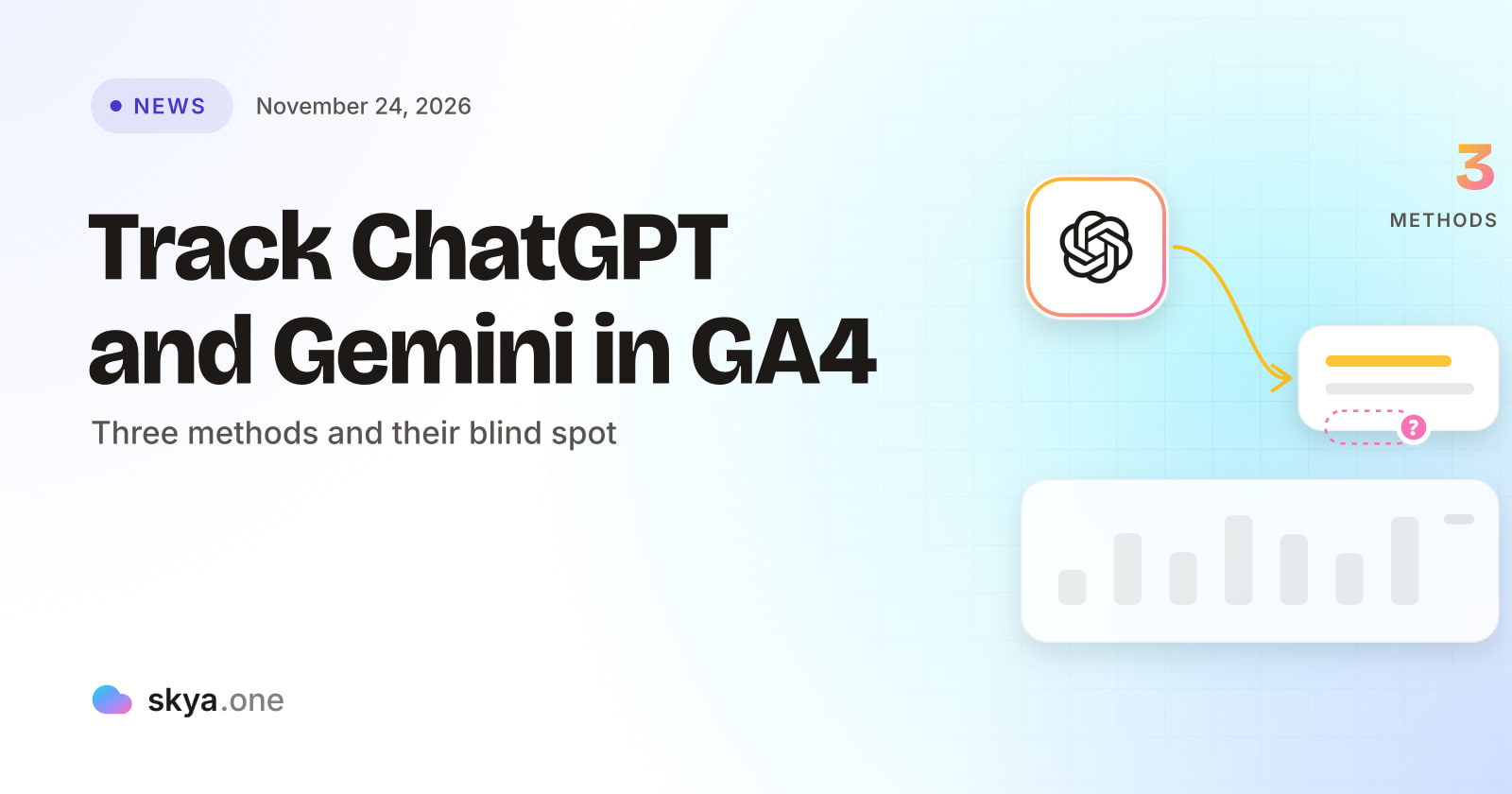
You can find ChatGPT and Gemini visits in GA4 in three ways: a quick source filter, an exploration report and a custom channel group. All three miss some visits, because many AI clicks arrive with no referrer. So GA4 gives you a floor, not a total. For the rest, you need AI visibility tracking that records what assistants say.
What Does GA4 Show About AI Traffic Today?
Start with what is reported, and with what is not.
MarTech reported on May 19, 2026 that GA4 now sorts visits from AI assistants into their own channel. Before that, most such visits landed in the generic Referral bucket, and analysts built custom channel groups to separate them. The article says sessions from supported assistants are labeled with the medium "ai-assistant" and the channel group "AI Assistant".
Three cautions come from the same article. It names ChatGPT, Gemini and Claude and says Google has not published a full list of supported referrers, so coverage of Perplexity or Copilot is uncertain. It says the channel works only when GA4 can detect a referrer, so copied links and in-app browsers may still show as Direct. And it does not link to an official Google document, so check your own property before relying on it.
That last point is practical. Open your GA4 property and look for the channel yourself. If it is there, good. If it is not, the three methods below still work.
Method 1: The Quick Source Filter
This is the fastest check. Practical Ecommerce describes it in its guide to tracking ChatGPT traffic in GA4.
-
In GA4, open Acquisition, then Traffic acquisition.
-
Set the drop-down to "Session source / Medium".
-
Search for "gpt". This surfaces ChatGPT-related sources.
-
To see which pages receive these visits, open Engagement, then Landing pages. Add a filter on "Session source / Medium", choose "Contains" and enter "gpt".
It takes two minutes. It also works only for sources whose names you can guess. Repeat the search with "gemini", "perplexity", "claude" and "copilot" to cover the others.
Method 2: An Exploration With the Page Referrer
For more detail, build a blank exploration. Orbit Media describes this approach in its guide to tracking AI traffic in GA4, last updated in July 2026.
Use "Page referrer" and "Landing page plus query string" as dimensions and sessions as the metric. Put the landing page in rows and the page referrer in columns. Then filter the page referrer with a pattern that matches the domains of the assistants you care about. The domains Orbit Media lists include chatgpt.com, chat.openai.com, gemini.google.com, claude.ai, perplexity.ai, copilot.microsoft.com, meta.ai and chat.mistral.ai.
A simple pattern that joins your chosen domains with a vertical bar works. Test it on a known visit before you trust it. Add a line chart split by referrer and you can see the trend over time.
Method 3: A Custom Channel Group
If you want AI visits to appear in every report, create a channel group once.
In Admin, create a new channel group. Add a channel with a name such as "AI Tools" and a condition on source that uses the same domain pattern. Then move this channel above Referral. The order matters, because GA4 reads the list from the top down, and a visit that matches Referral first will never reach your new channel. Orbit Media notes that changing a channel group does not change the underlying data.
This is the best method for clients you will report on monthly. Set it up once and every report carries the AI line.
Why Some AI Visits Never Show Up
Here is the part that most guides skip. All three methods depend on a referrer, and referrers go missing.
Practical Ecommerce explains one cause: ChatGPT adds a "noreferrer" attribute to external links, which hides the referral. As a result, GA4 classifies part of ChatGPT's traffic as Direct or Unassigned. Orbit Media adds another: visits from AI apps, as opposed to websites, tend to be filed as Direct.
Two more limits follow from the same sources. Google's own AI features are not separated by these methods. Orbit Media notes that traffic from AI Overviews and AI Mode is still counted as organic. And GA4 under-reports traffic in general, so any number you get is a floor.
| Source of visit | How it usually appears in GA4 |
|---|---|
| Link click from a ChatGPT answer with a referrer | Referral, or the AI Assistant channel if present |
| Link click where referrer is stripped | Direct or Unassigned |
| Visit from an AI app | Often Direct |
| Click from Google AI Overviews or AI Mode | Organic |
| Buyer who saw the name and typed it later | Direct or branded organic |
The last row is the important one. It is a buyer who never clicked at all.
The Blind Spot Behind Every GA4 Report
A report built on visits can only see the visits. It cannot see an answer that named your client and earned no click. A buyer may read "Client X is a good option" in ChatGPT, close the app and phone the next morning. GA4 records a phone call at best. It never records the answer.
That is the gap this guide is about. It is an inference, labeled as one, that part of the effect of AI answers happens without a click. No report cited here measures how large that part is. The sensible response is not to guess. It is to add a second record.
AI visibility tracking is that second record. It asks fixed buyer questions on a schedule, saves each answer with its date and counts how often the client was named. Where GA4 counts visits, AI visibility tracking counts mentions. The two answer different questions, and a client needs both. SKYA's page on daily AI answer readings explains what a stored reading looks like.
How to Read the Two Records Together
Put the two lines on the same chart for the same dates.
If mentions rise and AI visits rise, the two agree, and you can say attention is turning into clicks. If mentions rise and visits stay flat, say that buyers may be reading the answers without clicking. If mentions fall and visits fall, the client is losing ground in both. If visits rise and mentions are flat, check whether one page is attracting clicks for a narrow reason.
Do not claim cause. Report what moved and when. After eight weeks you will see whether the lines travel together. That is worth more than any single month.
A Short Test for Any Client
-
Check whether GA4 shows an AI Assistant channel. If it does, note the date you saw it.
-
Build the custom channel group anyway, so the definition is yours and stays stable.
-
Pull 90 days of AI sessions by source. Note the share in Direct and Unassigned as unknown, not zero.
-
Choose ten buyer questions. Ask each in at least three assistants. Save each answer with the date.
-
Record whether the client was named and whether the claims were right.
-
Chart mentions by week beside AI sessions by week.
-
Repeat every four weeks and add a note for any site or tagging change.
The tagging note matters. A new consent banner can change what GA4 sees, and it will look like a change in AI traffic.
A Critical Look at "AI Traffic" as a KPI
AI traffic is a popular number in decks right now. It deserves a harder look.
It is small for most clients. Practical Ecommerce notes that ChatGPT traffic may not show in the GA4 overview because the volume is low. It is incomplete, because referrers go missing. And it is a poor measure of influence. A client named a thousand times with ten clicks looks weak in GA4, and it may be doing well in the minds of buyers. The reverse can also hold: a client with many AI clicks may be described wrongly in every answer.
A fair report shows visits from GA4 with the limits stated, mentions from stored answers with the assistant and date, and the accuracy of the claims in those answers. It does not turn one number into a promise.
What It Means to Track Brand Mentions in ChatGPT Properly
Many teams say they track brand mentions in ChatGPT and mean they search their own name once a month. A real method is repeatable.
Use the same ten questions each time. Ask on at least three days, because answers vary. Save the full text. Record whether the client was named, how it was described and whether any facts were wrong. Then chart the share of answers that named the client over time. That is how to track brand mentions in ChatGPT in a way that survives a client meeting. SKYA's guide to tracking brand mentions in ChatGPT covers the method in more detail, and its post on AI users who will not click explains why the click is not the whole story.
What to Ask Any Vendor
| Requirement | Why it matters | How SKYA handles it |
|---|---|---|
| Separates visits from mentions | The two are measured differently | A stored reading and evidence panel behind every number |
| Keeps answer text with dates | A mention with no copy cannot be tested | The timestamp of each reading, with history kept for up to two years |
| Reads many assistants | Each assistant names different clients | Reads ChatGPT, Gemini, Perplexity, Claude and other assistants on a schedule, with platforms set by plan |
| Admits what it cannot read | A guessed score hides gaps | "Not measured yet" until answers are read |
| Fits agency work | Many clients, one report | Multi-client workspaces and white-label PDF reports |
SKYA publishes how every number is calculated. Ask any vendor to say plainly what it measures and what it leaves out.
What to Tell Clients
Keep it short. GA4 can show us the visits that come from AI assistants, and we have set it up to do so. It cannot show answers that name you without a click, and some visits lose their source on the way. So we track both, with dates, and show them side by side.
Do not promise that AI traffic will grow. Do not call a small number a failure. Say that it is a floor, and that you are measuring the rest.
Frequently Asked Questions
How do I track ChatGPT traffic in GA4?
Open Traffic acquisition, set the view to Session source / Medium and search for "gpt". For a lasting setup, create a custom channel group that matches the assistants' domains and place it above Referral.
Does GA4 have an AI traffic channel?
MarTech reported in May 2026 that GA4 labels visits from supported assistants as an "AI Assistant" channel. It named ChatGPT, Gemini and Claude and noted that Google had not published a full list. Check your own property.
Why does ChatGPT traffic show as Direct in GA4?
ChatGPT adds a "noreferrer" attribute to external links, which hides the source. Visits from AI apps are also often filed as Direct. GA4 therefore shows a floor, not a total.
Does GA4 show traffic from Google AI Overviews and AI Mode?
Not separately. Orbit Media notes that traffic from AI Overviews and AI Mode is still counted as organic in GA4.
What does AI visibility tracking add to GA4?
It records what assistants say about a client, with dates, even when no click follows. GA4 counts visits. It cannot see an answer that named the client and earned no click.
GA4 shows who clicked. SKYA shows who was recommended. See both on one page with SKYA. Start a 7-day free trial with SKYA. No card required.

Written by
SKYA Editorial Team
The SKYA Editorial Team publishes field-tested research on Answer Engine Optimization, Generative Engine Optimization and AI Visibility. Every article is reviewed by senior practitioners from the SKYA product and research groups before publication.
Related posts
Keep exploring the SKYA Journal.