On this page12
- What Is Happening on Business Profiles?
- What the Reports Do Not Say
- Is This a Hallucination?
- Why Wrong Facts Travel
- A One-Hour Check for Every Local Client
- How to Fix AI Hallucinations About My Brand, Step by Step
- Which Local Clients Are Most Exposed
- How to Write the Fix So It Lasts
- Why One Check Is Not Enough
- What to Ask Any Vendor
- What to Tell Clients
- Frequently asked questions
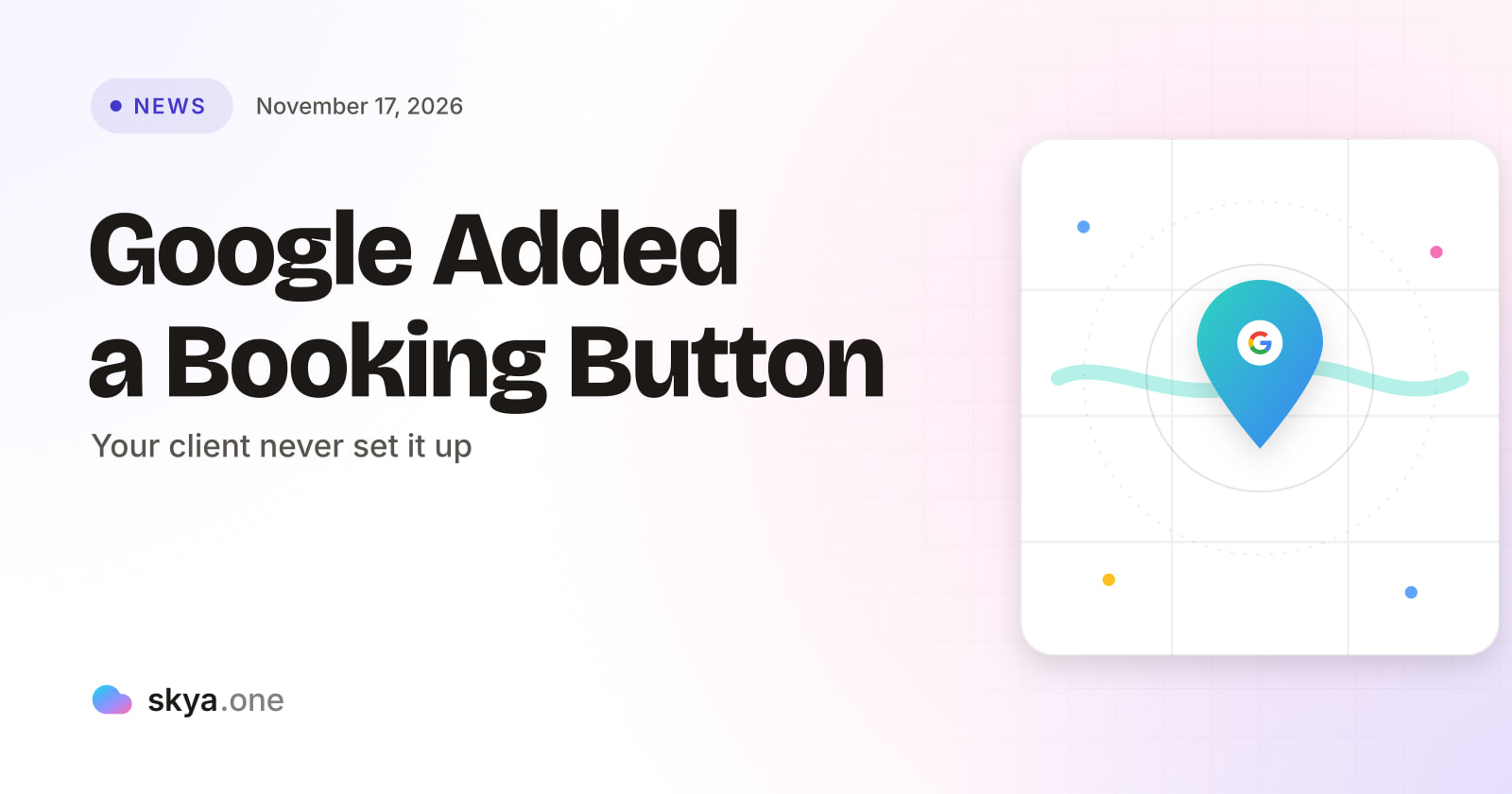
Google may be adding “Book Online” buttons to business profiles that never asked for one. Some links work. Others reportedly land on a Google error page. Google has made no statement. For agencies, it is a fresh example of a wrong fact reaching buyers through a surface the client does not control, so check every client profile this week.
What Is Happening on Business Profiles?
Search Engine Roundtable reports that Google may be automatically adding booking links to some local business listings. Barry Schwartz found a booking link on his own profile. Local search specialists Brandon Schmidt, Joy Hawkins and Syed Amir then reported seeing it on more businesses.
The button reads “Book Online” in Google Search and Google Maps. Joy Hawkins also saw a “schedule” button. When Schwartz clicked his, it led to his company’s contact and scheduling page. Others found links pointing to Google’s “maps/reserve” program. For businesses with no booking software, those links showed an error. In some cases, the reports describe a 500 error on a Google page. The links worked where the business had a link or software in place.
One more detail matters. Hawkins and Schmidt noted that home service businesses used to get these links only through Reserve with Google, an approved partner program. The profiles they saw had no booking software and simply linked to a contact form. Amir reported that adding a website’s Contact page as the booking link seemed to trigger the button, which previously appeared to require setup through Google’s booking partners.
What the Reports Do Not Say
| Question | What the report says |
|---|---|
| Is Google doing this on purpose? | The article says “may”. No Google statement is included |
| How many businesses are affected? | Not stated. Reports come from a handful of specialists |
| Is the error link permanent? | Unclear. One link failed on Friday and worked later for another tester |
| How can owners remove the button? | No removal steps are given. Owners can manage booking links by clicking the link from their profile in Search |
Read those rows before telling any client what is going on. This is a developing observation, not a confirmed program. The honest message is “we saw it, we are checking your profile, and Google has not explained it”.
Is This a Hallucination?
Strictly, no. A hallucination is a machine inventing a claim. This is Google attaching a feature to a profile, possibly built from a page the owner published for another reason. The failure mode is similar, though. A fact the client never approved reaches buyers. A “Book Online” button tells a buyer the client takes online bookings. If it leads to an error, the buyer assumes the client’s process is broken.
Now carry that forward. Business Profile data feeds many other places. Here is the inference, labeled as one: if an AI assistant draws on profile data to answer “how do I book with this business”, it could repeat the claim that online booking exists, and it could repeat it with a link that fails. No report shows that happening yet. It is a risk that follows from how local data spreads.
That is the practical case for any agency that wants to fix AI hallucinations about my brand, or about a client’s brand, before the error spreads. You cannot fix a wrong fact you have not seen. You find it by asking the questions buyers ask, reading the answers and comparing each claim with the facts.
Why Wrong Facts Travel
Wrong facts rarely stay in one place. A profile feeds a map. The map feeds a knowledge panel. The panel, a review site and a directory all feed what assistants read. If the first source is wrong, the others may repeat it, and each repetition makes the claim look more confirmed.
That is why a clean fix has to start at the source. Telling an assistant it is wrong does nothing useful. Correcting the profile, the website and the main directories does, because those are the places assistants read. SKYA’s guide to why AI hallucinations about a client matter explains the cost of leaving a wrong claim in place.
A One-Hour Check for Every Local Client
-
Search each client’s name in Google Search and Google Maps. Look for a “Book Online” or “schedule” button. Note whether the client set it up.
-
Click the button. Record where it leads and whether the page loads. Take a dated screenshot either way.
-
In the profile, open the booking link settings. If the client does not take online bookings, remove or replace the link where the profile allows it.
-
Ask three assistants plain questions: “How do I book with [client]?”, “Does [client] take online bookings?” and “What is [client]’s phone number?” Save each answer with the date.
-
Compare every claim with the client’s real process. Mark it right, old, wrong or missing.
-
If a wrong claim appears, find its source. Start with the profile, then the website, then the main directories. Fix the source, not the answer.
-
Repeat after seven days and note whether the answers changed.
The seven-day repeat is what separates a one-off audit from a habit. Wrong facts often come back, because old copies linger in places you did not check.
How to Fix AI Hallucinations About My Brand, Step by Step
The phrase is common in search because owners feel the problem before they can describe it. The fix follows a simple order.
First, confirm the claim is really wrong, with a dated copy of the answer. Second, find where the wrong fact comes from. Third, correct that source and the places that copy it, which is how you fix AI hallucinations about my brand at the root. Fourth, state the right fact in plain sentences on one page of the client’s site, with a date. Fifth, add schema markup so machines read the facts cleanly. Sixth, re-check after seven days.
Two cautions apply. Do not expect an instant change. Assistants refresh their view of the web on their own schedule. And do not assume one fix covers every assistant. Each reads different sources, so check at least three.
Which Local Clients Are Most Exposed
Some clients carry more risk than others. The ones with the most to lose are those whose buyers act fast and whose process is easy to misdescribe.
Home service and trade clients come first. A buyer who wants a plumber tonight clicks the first button that works. A broken “Book Online” link sends that buyer to the next listing. Clinics and salons come second. Their booking process often runs through a phone call or a third-party tool, so an automatic link may point to the wrong place. Restaurants and tour operators sit third. They already use partner booking systems, and a second, unplanned link can confuse buyers about which one is real.
For each group, the first job is to know what the client actually does. Write the real booking process in one plain sentence. If the profile, the website and the assistants all agree with that sentence, the client is safe. If any one disagrees, you have found the thing to fix. An agency that wants to fix AI hallucinations about my brand, for a client or for itself, begins with that sentence.
How to Write the Fix So It Lasts
A fix that states the right fact once is easy to lose. A fix that states it clearly, in several places, with dates, tends to last.
On the client’s website, give the booking process its own short section. Name the real booking method. Give the phone number, the hours and the link. Add the date you last checked it. On the profile, make sure the booking link, if any, goes to that same page. In directories, use the same wording. Then add schema markup so machines can read the facts without guessing.
The goal is agreement. Assistants weigh sources against each other. When five places say the same thing, the sixth, a stray auto-generated link, carries less weight. That is not a guarantee, and nobody outside the assistants can promise how they weigh sources. It is simply the most reliable approach available to an agency.
Why One Check Is Not Enough
A wrong booking link can appear on Friday and vanish on Monday. A profile feature can switch on for one client and not another. Because the cause is outside the client’s control, a one-off audit proves little.
You need a series. That is the idea behind AI hallucination monitoring, and AI hallucination monitoring needs a record to work from: asking fixed questions on a schedule, saving each answer and comparing it with the facts. It catches a change on the day it happens, not on the day a customer complains. SKYA explains why in its note on hallucination monitoring over time.
Local clients benefit most, and a steady habit of AI hallucination monitoring is cheaper than a lost booking.
What to Ask Any Vendor
A tool for this work has to check facts, not only count mentions. Ask any vendor the questions below.
| Requirement | Why it matters | How SKYA handles it |
|---|---|---|
| Checks claims against the client’s facts | A named client can still be described wrongly | A hallucination audit on every paid plan |
| Keeps answer text with dates | You must show when a wrong claim appeared | Every number is dated and comes from a reading kept on record |
| Reads many assistants | Each one draws on different sources | Nine AI platforms every day |
| Admits what it cannot read | A guessed score hides gaps | No answers read means no figure. A run that measured nothing gives its credit back |
| Fits agency work | Many local clients, one report | Multi-client workspaces, GA4 and Search Console integration and white-label PDF reports |
SKYA publishes how every number is calculated. Its page on AI hallucination shows what the audit checks.
What to Tell Clients
Be plain and calm. Google appears to be adding booking buttons to some profiles, and some of those links fail. We checked your profile. Here is what it shows, here is what we changed, and here is how we will watch it.
Do not blame the client. Do not promise Google will fix it. The useful promise is a record: dated checks that show the problem when it appears and show the fix when it lands.
Frequently asked questions

Written by
SKYA Editorial Team
The SKYA Editorial Team publishes field-tested research on Answer Engine Optimization, Generative Engine Optimization and AI Visibility. Every article is reviewed by senior practitioners from the SKYA product and research groups before publication.
Related posts
Keep exploring the SKYA Journal.