On this page14
- What Did Google Add to the API?
- What the Article Does Not Say
- Why Branded Queries Matter
- What Automation Changes
- Branded Clicks Are Not Mentions
- Where Reporting Needs a Second Source
- A Six-Week Test for Any Client
- A Critical Look at “Brand Demand” as a KPI
- What webMultimodal Adds
- What to Do When Branded Data Is Missing
- Which Clients Should Start First
- What to Ask Any Vendor
- What to Tell Clients
- Frequently Asked Questions
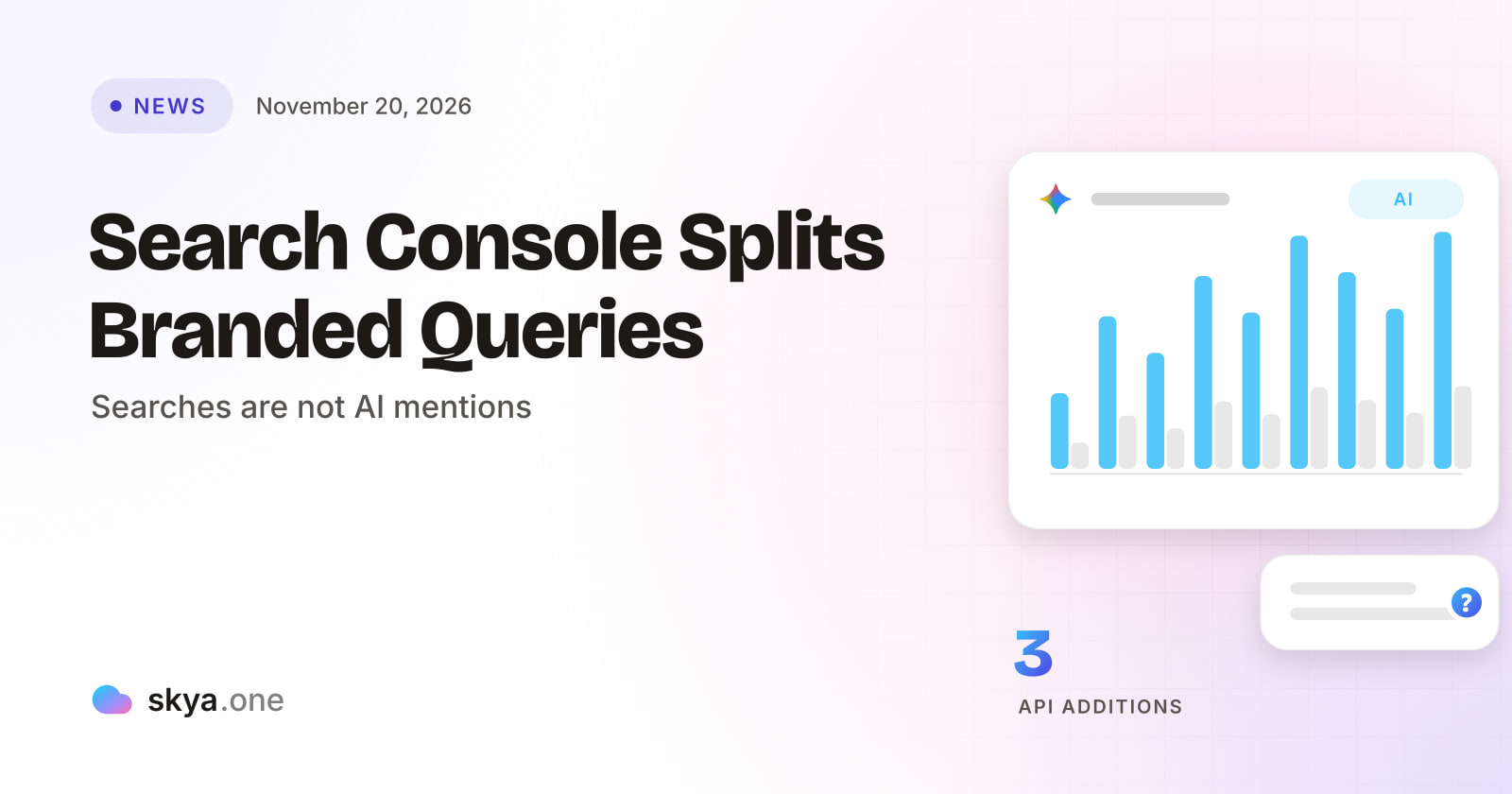
Google added branded query grouping, a multimodal search type and multi-country and multi-device filters to the Search Console Search Analytics API on November 16, 2026. Branded data returns only for eligible properties. It lets agencies chart brand demand automatically, but it cannot show what AI answers say, which is the gap AEO vs SEO reporting must fill.
What Did Google Add to the API?
Search Engine Roundtable reports that Google’s Search Console team announced three capabilities on its Search Central blog. All three already existed in the Search Console interface. They now reach the API.
The first is a branded query classification. You can group or filter by brandedClassification to compare branded and non-branded performance. Google says the data is returned only for eligible properties. For others, the response has no rows.
The second is a new search type, webMultimodal. It returns performance from Google Lens, Circle to Search on Android and image uploads in Google Search. The article says the same data is also available in BigQuery for properties with an active bulk export.
The third is a field called filterLists. It lets a single request filter by several countries or devices at once.
Google’s team said the aim was to follow “ecosystem requests to make this data available for custom reporting and automated workflows.”
What the Article Does Not Say
| Question | What is known |
|---|---|
| What makes a property eligible for branded data? | Not stated |
| How does Google decide that a query is branded? | Not stated |
| When does it reach every site? | No rollout dates given |
| Is webMultimodal available through the API for every property? | Unclear. BigQuery export is named |
| Are there limits or quotas on the new filters? | Not stated |
Read the first two rows carefully. A branded split is only as good as its definition. If Google does not explain how a query is classed as branded, an agency cannot say how the split treats a misspelled name, a product name or a founder’s name. That is a measurement caveat to state in any report, not a reason to avoid the data.
Why Branded Queries Matter
A branded query is a search that includes the client’s name or a close variant. It is a rough signal of demand for the client itself, as opposed to demand for the category. People rarely search a name they have not heard of. So movement in branded queries can reflect awareness built somewhere else: an advertisement, a recommendation, a mention in an answer.
That last item is where AEO vs SEO becomes practical. If an assistant names a client to a buyer, the buyer may later search that name. The click, if it comes, shows up as a branded query. The original mention does not show up anywhere in Search Console.
Here is the inference, labeled as one. A rise in branded queries could follow stronger mentions in AI answers. It could equally follow an advertising push, a PR story or a seasonal peak. No report cited here shows how often AI answers cause branded searches. It is a hypothesis to test, and the API makes the test cheaper to run.
What Automation Changes
Before this change, an agency wanting branded versus non-branded data had to export it by hand from the interface. That works for a few clients. It breaks at twenty.
With the API, a script can pull the split for every client each week, store it and chart it beside other data. SKYA described a similar approach in its guide to a unified Search Console and GA4 dashboard. The new fields add one more column to that dashboard. Add stored answers from AI visibility tracking to the same dashboard, and each client page shows visits, name searches and mentions together.
A few practical habits help. Pull the branded split on a fixed day each week. Store the raw response, not only the chart. Record any gap, since non-eligible properties return no rows. And write down the date you first received branded data for each property, because a sudden new series can look like growth when it is only new reporting.
Branded Clicks Are Not Mentions
The temptation is to treat branded data as proof of brand strength. It is not. Branded queries count searches that happened. They do not count conversations that never became searches.
Think of two buyers. One asks an assistant for the best provider and gets a short list with the client on it. She is satisfied and books through a link in the answer. The other asks, sees the client named, and later types the name into Google. Only the second buyer appears in branded query data. The first appears nowhere in Search Console and, if there was no tagged link, may not appear in analytics either.
So branded data undercounts the effect of a mention, and it also cannot say who was named, in what words or with what accuracy. AEO vs SEO measurement needs a source that reads the answers themselves.
Where Reporting Needs a Second Source
SEO has long been scored by data Google supplies: clicks, impressions, positions and now branded splits. AEO is scored by what answers say about the client, which Google’s reports do not capture. Neither scoreboard replaces the other. SKYA explains the wider argument in its guide to AEO vs SEO.
The second source is a stored record of answers. AI visibility tracking asks fixed buyer questions on a schedule, saves each answer with its date and records whether the client was named. Set that record beside the branded line. If mentions rise and branded queries follow a few weeks later, you have a pattern worth showing. If mentions rise and branded queries stay flat, say that too. Both outcomes inform the client.
SKYA’s page on daily AI answer readings explains what a stored reading looks like.
A Six-Week Test for Any Client
-
Pull branded and non-branded clicks for each week of the last 12 weeks, noting whether the property is eligible.
-
Mark any known campaigns, PR stories, launches and site changes on the same timeline.
-
Choose ten buyer questions. Ask each in at least three assistants each week. Save each answer with the date.
-
Record whether the client was named and whether the claims were right.
-
Chart weekly mentions beside weekly branded clicks. Leave out any week with a flagged data error.
-
Look for a lag between the two lines. Do not claim cause. State what moved and when.
-
Repeat for six weeks, then review.
One week is a snapshot. Six weeks begin to show a direction, and even then the honest word is “associated”, not “caused”.
A Critical Look at “Brand Demand” as a KPI
Branded query volume is a popular proxy for brand health. It deserves a harder look.
It rewards names that are easy to search. A client with a unique name has clean branded data. A client with a common word as a name has noisy data, because many unrelated searches include that word. It ignores buyers who never type the name. And it depends on a classification Google has not explained.
None of this makes the data useless. It makes it one input. A fair report shows branded clicks with the definition caveat, mentions from stored answers with the assistant and date, and the accuracy of what those answers said. That is a stronger story than any single number.
What webMultimodal Adds
The multimodal type covers searches made with Google Lens, Circle to Search and image uploads. For clients selling things people photograph, such as furniture, fashion, plants or parts, this is new data worth watching. It shows how often people search by picture and reach the client.
It does not show what any assistant said about the client. It is also a Google-only view. Buyers using other tools stay out of it. As with the branded split, the sensible habit is to log it, chart it and keep it beside the other sources.
What to Do When Branded Data Is Missing
Some properties will return no branded rows. Do not fill the gap with a guess. Write “not available for this property” in the report and note the date you checked.
Then use what you do have. Total clicks, impressions and positions still work. Stored answers still work. The report is thinner, and it should say so. A thin report that is honest builds more trust than a full chart built on an invented split. Check again each month, since eligibility may change.
Which Clients Should Start First
Clients with a distinctive name and steady demand come first. Their branded data is clean, so changes are easy to read. Clients running PR or publisher campaigns come second, since those are the efforts most likely to lift name searches. Clients in several countries come third. The multi-country filter saves real time for them.
Very new clients and tiny sites can wait. Their branded numbers may be too small to read, and eligibility may be a problem. Be honest about that in any client note.
What to Ask Any Vendor
| Requirement | Why it matters | How SKYA handles it |
|---|---|---|
| Separates visits from mentions | The two are measured differently | Visits and AI mentions measured separately, with the basis stated |
| Keeps answer text with dates | A mention with no copy cannot be tested | Dated readings that can be compared over weeks |
| Reads many assistants | Each one names different clients | Readings across supported AI platforms; coverage and cadence depend on the plan |
| Admits what it cannot read | A guessed score hides gaps | No answers read means no figure. A run that measured nothing gives its credit back |
| Joins with Google data | Search and answers belong in one report | GA4 and Search Console integration, multi-client workspaces and white-label PDF reports |
SKYA publishes how every number is calculated.
What to Tell Clients
Keep it plain. Google now lets us pull branded and non-branded search data automatically. We will chart it every week. It shows who searched for your name. It does not show who was told your name by an assistant, so we track that separately and show both lines together.
That message does not promise a link between the two. It promises a record, and a record is what lets an agency say something true about cause later.
Frequently Asked Questions
What did Google add to the Search Analytics API?
Google added branded query grouping and filtering, a webMultimodal search type and a filterLists field for multiple countries or devices. All three already existed in the Search Console interface.
Do all sites get branded query data?
No. Google says it is returned only for eligible properties. Others receive no rows. The announcement coverage does not say what makes a property eligible.
Does branded query data show what AI answers say about my client?
No. It shows searches that included the client’s name. It does not show answers, sources named or whether claims were correct.
How does AEO vs SEO reporting use the new data?
SEO reporting can chart branded and non-branded clicks automatically. AEO reporting adds stored AI answers beside them, so you can see whether mentions and name searches move together.
What does AI visibility tracking add to Search Console data?
It stores what assistants actually said, with dates, across several tools. That gives a second source to compare against any rise or fall in branded queries.
Your name is being searched. Is it also being recommended? Start a 7-day free trial with SKYA and compare search performance with AI mentions. No card required.

Written by
SKYA Editorial Team
The SKYA Editorial Team publishes field-tested research on Answer Engine Optimization, Generative Engine Optimization and AI Visibility. Every article is reviewed by senior practitioners from the SKYA product and research groups before publication.
Related posts
Keep exploring the SKYA Journal.