On this page11
- What Did Google Confirm?
- The Overlap Problem
- What the Generative AI Report Can and Cannot Show
- Why a Second Source Matters
- AEO vs SEO: Two Scoreboards, Both Fallible
- Reading Impressions Without Overreading Them
- What to Do When a Client Asks About the Dip
- A Safe Way to Report During a Bug Window
- What to Ask Any Vendor
- What to Tell Clients
- Frequently asked questions
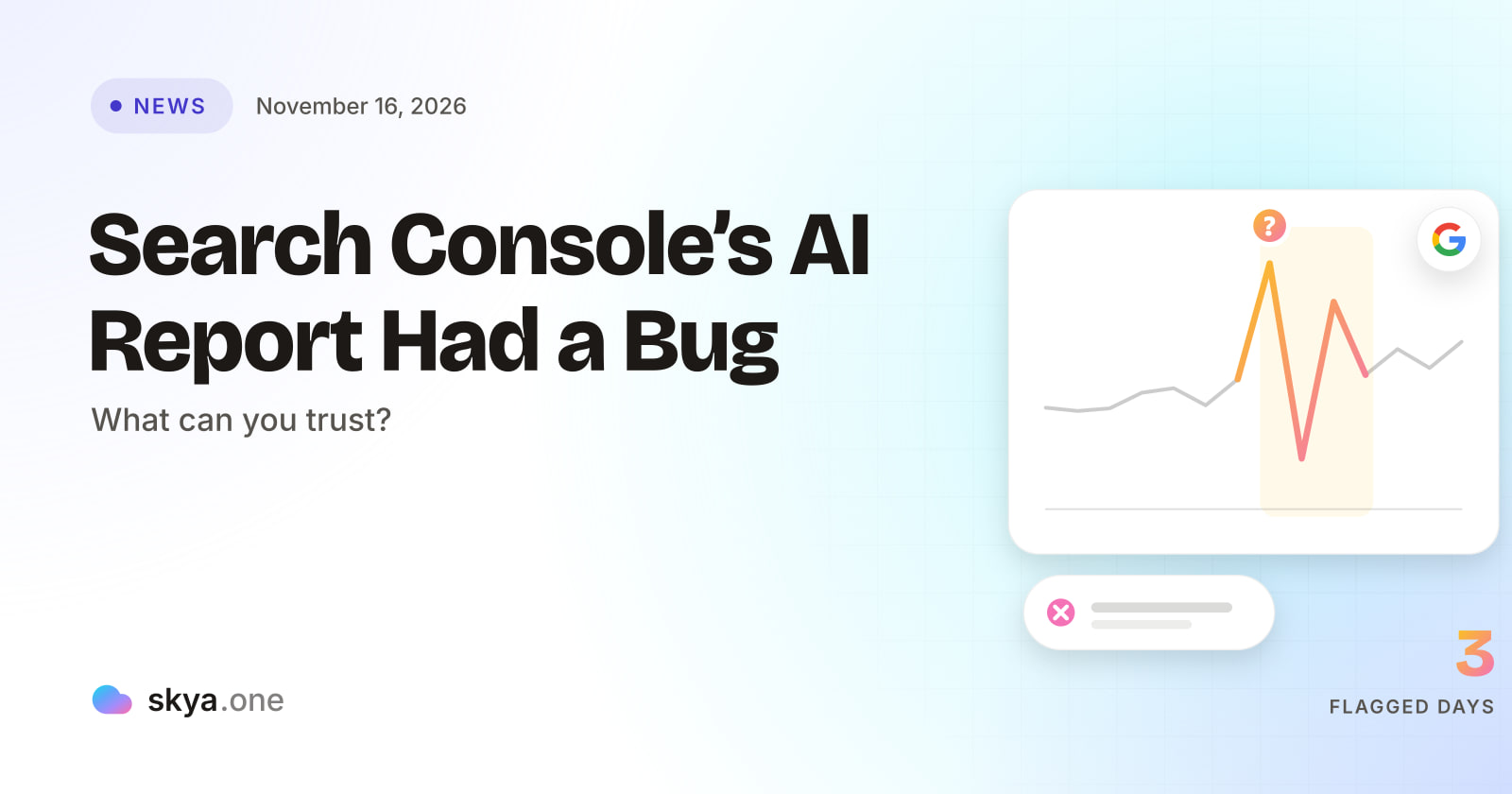
Google confirmed a logging error that lowered impressions in the Search Console Generative AI performance report from November 9 to 11, 2026. Google says it affects data logging only. The bug did not change how any site performed in Search. It does show why one report should never be the only evidence in a client meeting.
What Did Google Confirm?
According to Search Engine Roundtable, Google posted the issue on its data anomalies page. The wording was short: “A logging error caused a decrease in impressions on the Generative AI performance report in Search.” The affected dates were November 9 to November 11. Google added that the issue “affects data logging only,” and an annotation now appears in the report.
Barry Schwartz, who wrote the article, calls it “just a reporting bug” with no effect on performance in Google Search. The article does not say whether the bug has been fixed. It also notes that the November 2026 core update began on November 10, inside the bug window.
That overlap is the reason this small story matters.
The Overlap Problem
Picture an agency opening the report on November 12. Impressions for AI features look lower for three days. A core update started on day two. Rankings moved for some sites. A new default model arrived in AI Mode on the same week. Three explanations now compete for one dip.
Only one of them is a measurement error, and it is the one you cannot see unless you read the annotation. A reader who skips the note could tell a client that AI visibility fell because of the core update. That would be a confident story built on a faulty number.
This is not a complaint about Google. Every data source has bugs. The lesson is about how agencies use data. A number from one report, with no second source, is a claim, not a fact.
What the Generative AI Report Can and Cannot Show
The report is a useful new window. It also has limits that existed before the bug.
| What the report shows | What it does not show |
|---|---|
| Impressions linked to Google’s AI features | The text of the answer |
| Trends over time for those impressions | Which other sources were named beside the client |
| Data tied to the client’s own property | Whether the claims in the answer were correct |
| Google Search only | ChatGPT, Gemini, Perplexity and other assistants |
Search consultant Glenn Gabe noted in his French AI Overviews review that the report shows impressions only, not clicks or queries. SKYA covered that analysis in what French Search Console data shows about AI Overviews. So even on a clean day, the report tells you that something was shown. It does not tell you what was said.
SKYA also explains how to connect this report to client work in its guide to Search Console AI impressions and brand monitoring. The bug is a reminder to read that guide with a critical eye.
Why a Second Source Matters
The safest fix for a data bug is a second, independent record. Think of two clocks in a room. If both agree, you trust the time. If they disagree, you know to look closer.
For client reporting, the second clock is a stored record of what AI answers actually said. That is the job of AI visibility tracking: asking fixed questions on a schedule, saving each answer with its date, and comparing weeks. If Search Console shows a three-day dip and the stored answers show the client named in the same places all week, the dip is probably a measurement matter. If the stored answers show the client dropped out, the dip is probably real.
Notice what that does for the client conversation. You are no longer arguing from one chart. You are showing two sources and what each says. SKYA’s page on daily AI answer readings explains how stored readings work.
AEO vs SEO: Two Scoreboards, Both Fallible
The bug also helps explain AEO vs SEO in practical terms. SEO is mostly scored by data Google gives you: rankings, clicks and impressions. AEO is scored by what answers say about the client, which Google’s reports do not capture.
That split cuts two ways. For SEO numbers, trust depends on Google’s logging. For AEO, trust depends on your own record. Neither is perfect. Each can catch the other’s blind spots. A mature agency uses both, and notes the source and the date for every figure it reports. Reports built on AEO vs SEO thinking list both scoreboards side by side.
This is also why a single “AI visibility score” with no evidence behind it should worry you. If a tool cannot show the answer it read, you cannot test its number the way you can now test a Search Console dip.
Reading Impressions Without Overreading Them
Even on a clean day, an impression in this report is a small fact. It says that an AI feature showed something linked to the client’s property. It does not say a person read it, believed it or acted on it. A rise in impressions can mean more visibility. It can also mean the client was used as a source more often with no click to follow.
Think of a billboard on a motorway. A count of cars passing tells you how many could have seen it. It does not tell you how many remembered the message, or whether the message was right. For AI answers, the second question matters more. A client shown in a thousand answers that state a wrong price is worse off than one shown in a hundred that state the right one.
That is why the answer text has to sit beside the count. AI visibility tracking reads the text of the answer, so you can test whether the thing being shown was correct. Without it, a report can celebrate impressions that are quietly doing damage.
What to Do When a Client Asks About the Dip
Clients often see a chart before the agency does. A short, calm answer works best.
Start with the flagged dates. Explain that Google confirmed an error for those days. Then explain what you checked: the saved answers from the same days, and whether the client was named. If the answers look normal, say the dip appears to be a measurement issue and that you will keep watching. If the answers show a real change, say so plainly and show the evidence.
Resist the urge to name a single cause. Several things changed that week. A core update, a bug and a new default model all overlapped. Your honest position is a short list of possibilities and a plan to narrow it. Clients accept that, especially when you show the record behind it. They also remember who flagged the issue first, and that person is usually the one who gets the next question.
Finally, add a line to the monthly report that lists any Google data issues in the period. A running list shows the agency checks the source, and it saves you from re-explaining the same bug in three months.
A Safe Way to Report During a Bug Window
-
Check Google’s data anomalies page and the report annotations before you open any chart. Note every flagged date.
-
Mark flagged dates in your own notes. Do not delete or smooth them. Say that the data for those days is under-reported.
-
Compare the week before the bug with the week after. Leave the flagged days out of any average, and say you did.
-
Pull the stored AI answers for the same weeks. Check whether the client was named, cited and described correctly.
-
List other changes in the same window: core update, model change, site release. Say which are possible causes.
-
Report what is known, what is flagged and what is unknown. Do not give one cause when several fit.
That sixth step is the one clients remember. A report that says “we cannot tell yet, and here is how we will find out” earns more trust than one that guesses. Good AI visibility tracking makes that sentence possible.
What to Ask Any Vendor
Reports and tools both carry error risk. Ask every vendor how it handles its own.
| Requirement | Why it matters | How SKYA handles it |
|---|---|---|
| Shows the source behind each number | You must be able to test a score | Every number is dated and comes from a reading kept on record |
| Says when data is missing | A guessed number hides a gap | No answers read means no figure. A run that measured nothing gives its credit back |
| Reads many assistants | Google is one source of several | Nine assistants every day: ChatGPT, Gemini, Perplexity, Claude, Google AI Overview, Google AI Mode, DeepSeek, Grok and Copilot |
| Keeps dates on every reading | A trend needs a timeline | Dated readings that can be compared over weeks |
| Fits agency reporting | Search Console and answers belong together | GA4 and Search Console integration, multi-client workspaces and white-label PDF reports |
SKYA publishes how every number is calculated. It also covers combining Google data with other sources in its guide to a unified Search Console and GA4 dashboard.
What to Tell Clients
Keep it short. Google confirmed a logging error in the AI report for three days in November. It did not affect performance. We flagged those days and checked them against our own saved answers.
That message does two jobs. It shows the agency reads the fine print. And it shows that conclusions rest on more than one source. Clients rarely mind a data bug. They mind learning about it from someone else.
Frequently asked questions

Written by
SKYA Editorial Team
The SKYA Editorial Team publishes field-tested research on Answer Engine Optimization, Generative Engine Optimization and AI Visibility. Every article is reviewed by senior practitioners from the SKYA product and research groups before publication.
Related posts
Keep exploring the SKYA Journal.