On this page12
- What Did Google Publish?
- Why the Referrer Is Both Useful and Limited
- The Blind Spot Behind the Referrer
- Reading Referrers Carefully
- Where AI Traffic Shows Up, and Where It Does Not
- A Two-Week Check for Any Client
- A Critical Look at “Traffic” as the Only KPI
- What Happens When Clients Compare Charts
- How to Explain This to a Finance Lead
- What to Ask Any Vendor
- What to Tell Clients
- Frequently asked questions
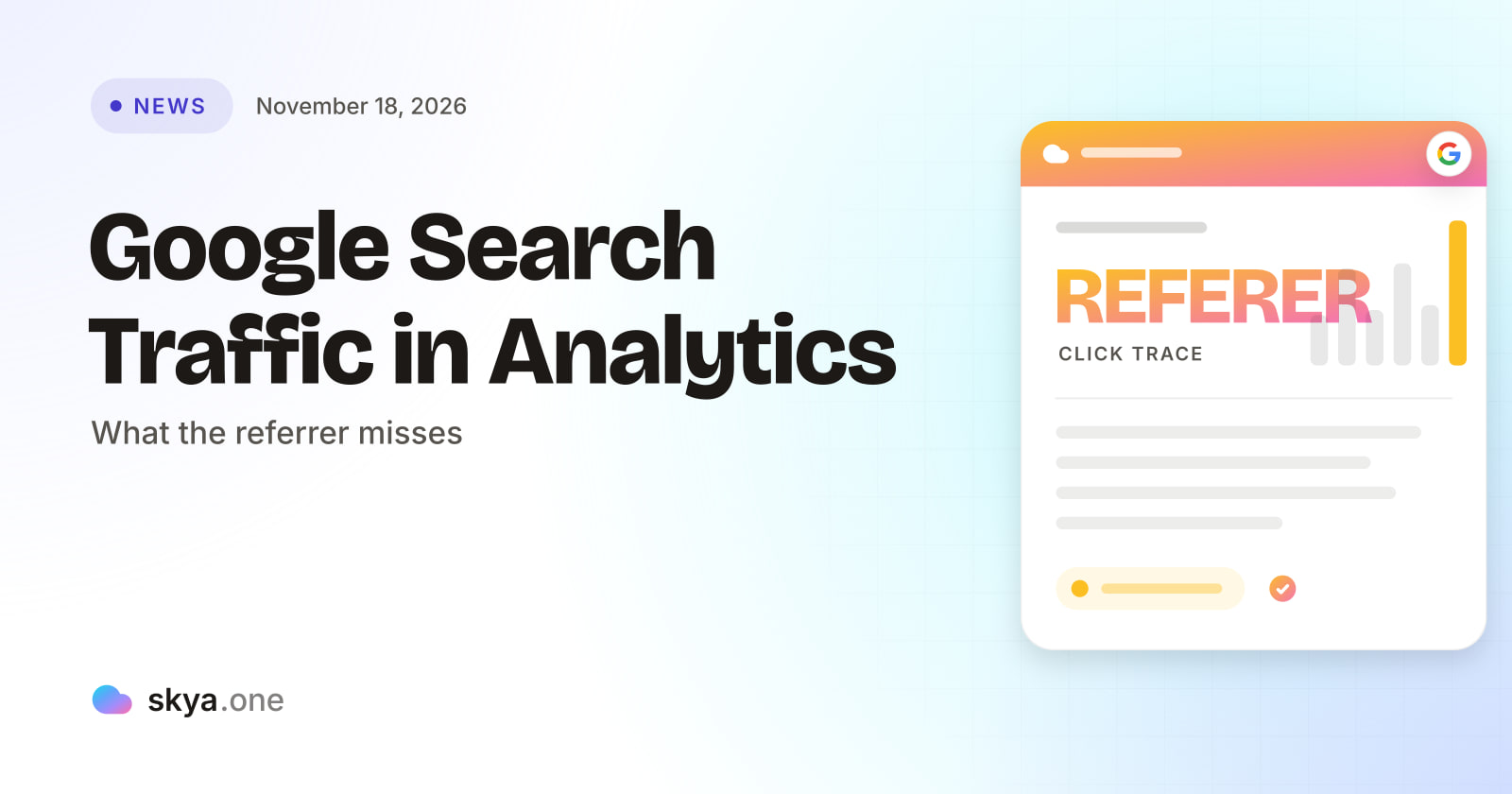
Google has published a help page on identifying Google Search traffic by reading the HTTP Referer header in analytics and server logs. It covers which values to match, why the header is sometimes blank and why your numbers may not match Search Console. It cannot show a mention that earned no click, which is the gap AEO vs SEO measurement fills.
What Did Google Publish?
Search Engine Roundtable reports that Google added a help document explaining how to spot visits that come from Google Search. The method is simple. Inspect the HTTP Referer header, which a browser sends when a user clicks a link from Google Search to your site. The doc quotes that description directly.
According to the article, the page covers four areas. First, which Referer values to look for. Second, how to match those values in analytics and server logs. Third, how Google sets the header and why it is sometimes blank. Fourth, why your numbers might differ from Search Console.
The article does not list the values. It also does not say whether the doc mentions AI Mode, AI Overviews or Discover. So this guide does not claim that it does.
Why the Referrer Is Both Useful and Limited
A referrer is a record of where a visit came from. When it works, it answers a plain question: did this person arrive from Google Search? That is valuable. It lets an agency confirm Search traffic in a tool other than Search Console, and it lets a team check a client’s server logs without any extra setup.
It has three limits, and each matters for client reports.
| Limit | Why it matters |
|---|---|
| Blank referrers | A visit with no Referer value cannot be matched to Google Search, so some Search traffic will sit in a “direct” bucket |
| Differences from Search Console | Search Console counts clicks in Google’s own way. Analytics counts sessions in its own way. The two rarely match |
| Visits only | A referrer exists only when a person clicks through. Nothing is recorded when an answer names the client and no click follows |
The third row is the important one. Everything this help page teaches begins with a click. A growing share of buyer attention may now end without one.
The Blind Spot Behind the Referrer
SKYA has covered the pattern before. In its guide on AI users who will not click, the problem is that old reports measure only the visit. If an assistant recommends a client and the buyer calls later, no referrer is ever written. The visit does not exist, so the report shows nothing.
Here is the inference, labeled as one. A client can gain buyer attention in AI answers and show a flat or falling Search line in analytics at the same time. The two charts will look like a problem. In fact one is measuring visits and the other is not measuring mentions. No report cited here quantifies how common that is. It follows from how referrers work.
This is the practical center of AEO vs SEO. SEO is scored where a click leaves a trace: rankings, referrers, sessions. AEO is scored where the trace is a name in an answer. Neither replaces the other. A client needs both lines on the same page, and a report on AEO vs SEO should say so.
Reading Referrers Carefully
Used well, the Google help page can strengthen client reports. A few habits help.
Match Google Search referrers in analytics and server logs, and note the method in the report. Treat the blank-referrer share as unknown, not as zero. When a number from analytics and a number from Search Console disagree, say which is which. And keep a list of any changes to tracking, such as a new consent banner or a site migration, because those alter what analytics can see.
Also keep the doc in context. Google wrote it to help owners understand Search traffic. It is not a guide to measuring AI answers, and the coverage does not claim it is. An agency should avoid presenting it as one.
Where AI Traffic Shows Up, and Where It Does Not
When someone clicks a link inside an AI answer, the visit may carry a referrer, a tagged link or nothing. It depends on the product. SKYA explains one approach in its guide to UTM tags and AI attribution. Tags can help where a product adds them. They cannot help where it does not, and they cannot record an answer that earned no click.
That leaves a sensible division of labor. Analytics shows the visits that exist. A second source has to show the answers that did not produce a visit. Brand mention monitoring software is built for that second job, and good brand mention monitoring software shows the answer, not only a score: it asks buyer questions on a schedule, stores each answer and records whether the client was named. The result sits beside the analytics line, not inside it.
SKYA’s guide to a unified Search Console and GA4 dashboard shows how to bring the visit data together. Adding stored answers completes the picture.
A Two-Week Check for Any Client
-
Pull Google Search sessions from analytics for 90 days. Pull Search Console clicks for the same dates. Note the gap and do not force them to match.
-
Review the share of sessions with a blank or missing referrer. Record it as an unknown range.
-
List tracking changes in the period: banners, migrations, tag changes.
-
Choose ten buyer questions. Ask each in at least three assistants. Save each answer with the date.
-
Mark whether the client was named and whether the claims were right.
-
Compare the two stories. If answers name the client often and visits stay flat, say that attention may be reaching buyers without clicks. If answers drop the client, say that too.
-
Repeat after two weeks and report the change.
The seventh step is where trends appear. One fortnight is a snapshot. Several fortnights show a direction.
A Critical Look at “Traffic” as the Only KPI
Many retainers still rest on traffic. That made sense when search was a list of links. It makes less sense when part of the buyer journey happens inside an answer.
Traffic is a good measure of visits, and a poor measure of influence. A client mentioned in a thousand answers may receive ten clicks. A client with a thousand clicks may be described wrongly in every answer. Neither number tells the full story alone.
A fair report shows both. Visits from analytics, with the referrer limits stated. Mentions from stored answers, with the assistant and date. And accuracy of the claims in those answers. This is not a call to drop SEO. It is a call to add the scoreboard SEO cannot keep.
What Happens When Clients Compare Charts
Sooner or later a client puts two charts side by side. One is Search Console clicks. The other is analytics sessions. The lines do not match, and the client asks which is right.
Both can be right. Search Console counts clicks recorded by Google. Analytics counts sessions recorded by a script on the client’s site. A click can fail to become a session if the page loads slowly, if consent blocks the script or if the visitor leaves early. A session can have a blank referrer and sit outside Search. The honest answer is that the two are different instruments, so a gap is normal and a very large gap is worth investigating.
Add a third chart to the conversation: stored AI answers. It does not need to match either line. It answers a different question: was the client named when buyers asked. Presenting three sources, each with its limits, is more persuasive than defending one.
How to Explain This to a Finance Lead
Finance teams like one number. Offer a framework instead, in three lines. Visits tell us how many people came. Mentions tell us how often we were recommended. Accuracy tells us whether what was said was right.
Then give each line a source and a date. When the finance lead asks why mentions cannot be turned into visits, say that the link is not measured today, and that assistants and Google do not provide it. Say that you will watch whether visits and mentions move together over several months. That is a modest claim, and it holds up. Over time, the pattern between AEO vs SEO signals will show whether mentions lead visits or simply sit beside them.
What to Ask Any Vendor
When a client asks for “AI traffic”, an agency needs a vendor that does not blur visits and mentions. Ask these questions.
| Requirement | Why it matters | How SKYA handles it |
|---|---|---|
| Separates visits from mentions | The two are measured differently | Every number is dated and comes from a reading kept on record |
| Keeps answer text with dates | A mention with no copy cannot be tested | Dated readings that can be compared over weeks |
| Reads many assistants | Each assistant names different clients | Nine AI platforms every day |
| Admits what it cannot read | A guessed score hides gaps | No answers read means no figure. A run that measured nothing gives its credit back |
| Joins with analytics | Visits and answers belong in one report | GA4 and Search Console integration, multi-client workspaces and white-label PDF reports |
SKYA publishes how every number is calculated. Its page on daily AI answer readings shows what a stored reading looks like. For the wider argument, read SKYA’s guide to AEO vs SEO.
What to Tell Clients
Keep it simple. Google published a guide to spotting Search traffic in analytics. We use it to confirm Search visits. It cannot show answers that name you without a click, so we track those separately and show both in one report.
That message reframes a flat line without excusing it. Clients get a clearer picture, and the agency gets credit for measuring more than visits.
Frequently asked questions

Written by
SKYA Editorial Team
The SKYA Editorial Team publishes field-tested research on Answer Engine Optimization, Generative Engine Optimization and AI Visibility. Every article is reviewed by senior practitioners from the SKYA product and research groups before publication.
Related posts
Keep exploring the SKYA Journal.